Steps for First Time Hiring A Student Worker
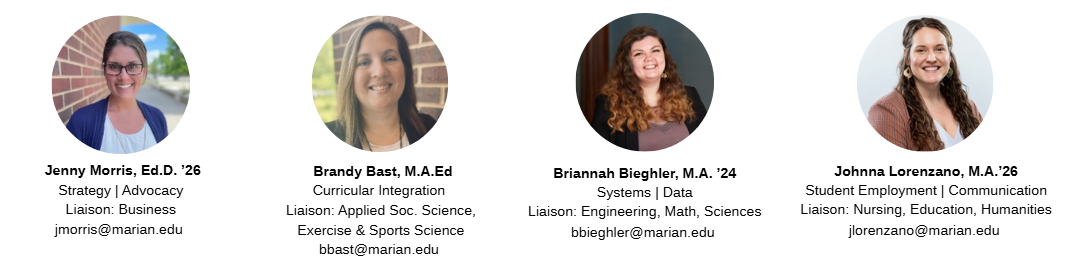
- Email Johnna Lorenzano to access the Student Employment Resources Page in Canvas.
- Complete the training quiz in Module 1.4
- Upon completion of the quiz, employer access will be granted to you via CORE- Marian's career development platform.
- Create your job posting on CORE by selecting the "Post a Job" feature.
- NOTE: Be sure to list your job type as ON CAMPUS JOB.
- The Exchange will review and approve all job postings before they go live.
- Allow time for students to apply to the job post through CORE. Once you have recieved, reviewed, and selected your intended candidates, mark the desired applicants as "HIRED" on the CORE job posting.
- NOTE: If all students you plan to hire have applied, update the expiration date & time (closing date) of the job posting so that the application closes. After the position is closed, you will be able to mark students as hired.
- NOTE: If you plan to hire some students now but want to leave the application open to hire additional students in the near future, email Johnna Lorenzano for assistance.
- Send a PayRate Form to Human Resources. The updated pay forms can be found on the Student Employment Resources canvas page.
- Allow time for Human Resources to review student paperwork and eligibility before allowing a student to work. Once Human Resources has verified the student's work status, you will recieve a "Cleared to Work" email.
Keep in mind that the turnaround time on student hiring may be dependent on the student completing their background check, finishing onboarding training through UKG, and verifying their I9 documents with HR. As such, please plan accordingly when hiring student workers.
For Questions Please contact The Exchange or The office of Human Resources.